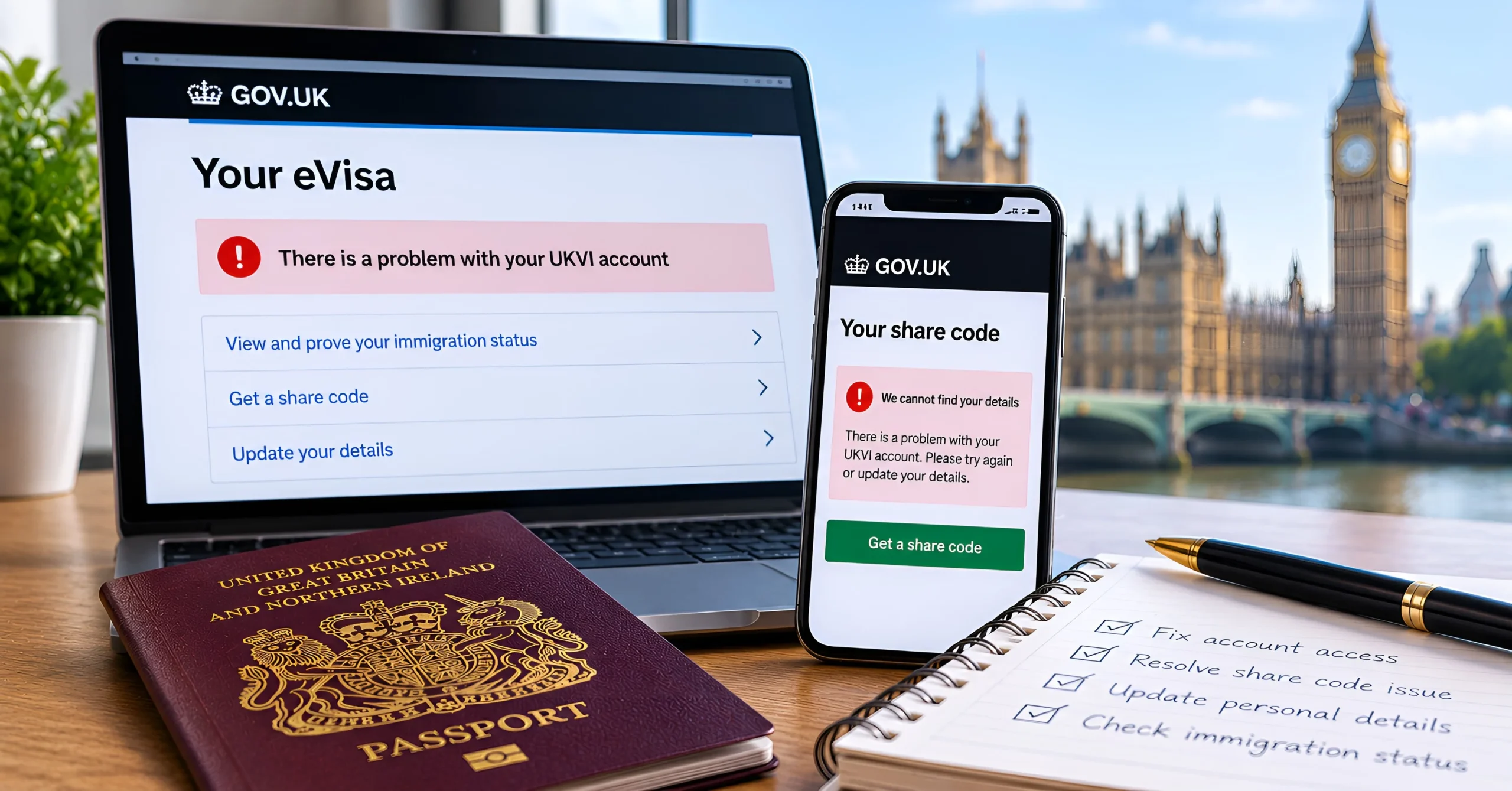
Biometric residence permits (BRPs) have been replaced by eVisas, a digital record of your immigration status that you access through a UK Visas and Immigration (UKVI) account. For most people the switch has gone smoothly. But if you cannot sign in, your details are wrong or your share code will not work, it can stop you starting a job, renting a home or travelling.
At Hi Solicitors, our immigration solicitors in Bolton regularly help clients whose eVisa problems are holding up a job offer, a tenancy or an application. This guide explains the most common eVisa and UKVI account problems, how to fix them yourself, and when you should get legal advice. It reflects GOV.UK guidance as of October 2026.
What Is an eVisa and a UKVI Account?
An eVisa is an online record of your identity, your immigration status and the conditions attached to it, such as whether you can work or study. You get one after a successful visa or settlement application. You view it, prove your status and update your details through a UKVI account. Setting up an account and accessing your eVisa is free.
Who Needs a UKVI Account?
Everyone with an eVisa needs their own UKVI account, including partners and children who are dependants on someone else’s visa. A parent can manage a child’s account using their own phone number and email address, and should switch it to the child’s own details when they turn 18.
You may already have an account if you used the UK Immigration: ID Check app when applying for a visa, replaced a BRP, or applied to the EU Settlement Scheme. Do not create a second account.
What Happened to BRPs?
BRPs are no longer issued, and you cannot use a BRP to travel. However, you can still use an expired BRP to set up your UKVI account for 24 months after the expiry date printed on the card or until 31 December 2026, whichever comes first. If you still have not set up your account, do it now.
Common eVisa Problems and How to Fix Them
| Problem | What to do |
| You cannot sign in to your UKVI account | Use the UKVI account recovery service, or contact UKVI by webchat or phone |
| Your eVisa is not showing after 24 hours | Check your account set-up is complete, then report an error |
| Your name, date of birth, nationality or status is wrong | Report an error with your eVisa |
| Your passport, email, phone or address has changed | Update your UKVI account details yourself |
| You can see your eVisa but cannot get a share code | Report an error with your eVisa |
| You have indefinite leave on an old passport stamp | Make a free No Time Limit (NTL) application |
You Cannot Sign In to Your UKVI Account
You sign in using your identity document and a security code sent to the phone number or email address linked to your account. If you have changed your number or email, or cannot get the codes, use the UKVI account recovery service on GOV.UK. If that does not work, contact UKVI by webchat or phone (see below).
Your eVisa Is Not Showing
Your eVisa is usually available as soon as it is linked to your account, but it can take up to 24 hours. Make sure you have finished setting up your account. If you still cannot see your eVisa after 24 hours, report an error.
Your Details Are Wrong
If your eVisa shows the wrong name, date of birth, nationality or immigration status, report it using the Home Office’s report an error with your eVisa form. You will need your contact details and one reference number, such as your passport number, expired BRP number, GWF number, UAN or UKVI customer number. UKVI aims to fix most issues within 5 working days, or up to 15 working days for complex cases.
Do not ignore an error on your immigration status or the date your permission ends. It could cause problems with your employer or landlord, or with your next application.
Your Passport Has Changed
If you get a new passport, add it to your UKVI account using the update service on GOV.UK. You can also update your email, phone number, address and photo and, with a supporting identity document, your name. You cannot change your name or passport details while you are waiting for a decision on a visa application.
You Have Settlement on an Old Document
If you have indefinite leave to remain shown only by an old passport stamp or sticker, you can get an eVisa by making a free No Time Limit (NTL) application. You will need to give fingerprints and a photo at an appointment, and a decision can take up to 6 months. You can keep using your old document while you wait. If you have an expired BRP showing indefinite leave, you do not need an NTL application. Use it to set up your UKVI account instead.
Share Codes: Proving Your Right to Work and Rent
A share code lets an employer, landlord or other organisation check your immigration status online. You give them the code and your date of birth, and they see your status, photo and conditions.
How to Get a Share Code
Sign in to the GOV.UK View your eVisa and get a share code service. You will be asked why you need it, for example to prove your right to work or right to rent. A share code lasts 90 days, and you can use it as many times as you need during that time. You can get a new one whenever you need it.
Right to Work and Right to Rent Checks
Employers and landlords can no longer accept a BRP as proof of your status. If you have an eVisa, they will normally need to carry out an online check using your share code. Make sure you generate a code for the right purpose. A code created for a rental check, for example, will not work for a right to work check.
Our guide to switching visa route inside the UK explains what happens to your right to work if you change visa category.
Your Share Code Is Not Working
If the person checking your status cannot use your code, check that:
- the code has not expired (90 days);
- you created it for the right purpose;
- they entered your date of birth correctly; and
- your eVisa shows your current photo and details.
If you can see your eVisa but cannot generate a share code, report an error with your eVisa.
Travelling With an eVisa
Your eVisa is checked when you leave or enter the UK, and when you check in with your airline or other carrier to return. Most travel problems happen because the passport you are travelling on is not linked to your UKVI account.
Before You Travel
- Add the passport you will travel on to your UKVI account. You can have more than one passport saved.
- Check your details exactly match the passenger information you give your airline.
- Do not rely on a BRP. Expired BRPs cannot be used to travel.
- Get a share code before you leave, in case you need extra proof of your status.
Problems at the Airport
If your details are wrong, your carrier may refuse to let you board, or you may be delayed at the UK border. If a carrier cannot check your eVisa, it should contact the UK Border Force carrier support hub. Having a recent share code with you can help.
An eVisa is different from an electronic travel authorisation (ETA). An ETA is for visitors who do not need a visa. If you have an eVisa, you do not need an ETA to return to the UK.
How to Contact UKVI About an eVisa Problem
Report an Error Online
For wrong details, a missing eVisa or a share code you cannot generate, use the report an error with your eVisa form on GOV.UK. Someone else can report the problem for you, such as a solicitor, employer, friend or university adviser.
Webchat and Phone
For help signing in to or updating your UKVI account, you can use the UKVI eVisa webchat on GOV.UK, or call:
| Details | |
| Telephone | 0300 790 6268 (select option 3) |
| If you cannot dial 0300 numbers | +44 (0)203 875 4669 |
| Opening hours | Monday to Friday, 8am to 8pm; Saturday and Sunday, 9:30am to 4:30pm (closed on bank holidays) |
Call charges apply. Keep a note of the date, time and what you were told on every call, and save copies of any emails and error reports. This record can be important if the problem affects your job or a future application.
When an eVisa Problem Needs Legal Advice
Most eVisa problems are technical and can be fixed through UKVI. But you should get advice from an immigration solicitor if:
- your eVisa shows the wrong immigration status or the wrong expiry date, and UKVI has not corrected it;
- your employer has suspended you, or a job offer is on hold, because your right to work cannot be confirmed;
- your eVisa is about to expire and you need to apply to extend your visa or switch to another route;
- you have indefinite leave to remain on an old document and are unsure how to prove it;
- you were refused entry or boarding because of an eVisa problem; or
- you have had a visa refusal that you think was linked to incorrect information on your record.
If your permission is close to ending, do not wait for an eVisa problem to be fixed before applying to extend. Applying in time protects your position.
How Hi Solicitors Can Help
At Hi Solicitors, our immigration team can:
- report errors to UKVI on your behalf and follow them up;
- help you prove your right to work or rent while an eVisa problem is being fixed;
- advise you if you have indefinite leave to remain on an old document;
- prepare your visa extension, switching or settlement application; and
- advise you if an eVisa problem has led to a refusal or a problem at the border.
For confidential advice, call Hi Solicitors on 01204 371 414 or book a free initial consultation.
Frequently Asked Questions
Do I have to pay for an eVisa or a UKVI account?
No. Setting up a UKVI account and accessing your eVisa is free. The No Time Limit application for people with settlement on an old document is also free. Be wary of websites that charge to set up an eVisa for you.
My BRP has expired. Have I lost my right to live in the UK?
No. The expiry date on a BRP card is not the same as the end of your permission to stay. Your status is now held on your eVisa. If you have indefinite leave to remain, it does not expire, but you will need an eVisa to prove it.
What happens to my eVisa when I get a new passport?
Your eVisa stays the same, but you must add your new passport to your UKVI account. If you do not, you may have problems when you travel or when an employer checks your status.
Can someone else manage my UKVI account?
Yes, in some cases. You can manage a child’s account, or the account of someone you act for under a power of attorney, using your own phone number and email address. A solicitor, employer or adviser can also report an eVisa error on your behalf.
How long does UKVI take to fix an eVisa error?
UKVI aims to fix most errors within 5 working days. Complex cases can take up to 15 working days. You will be emailed if it will take longer or if UKVI needs more information.